One Connected Project Record: A Clearer View of Your Solar Projects
Watch on LinkedIn opens a new tab. LinkedIn may ask you to sign in.
In-page playback may be unavailable in some browsers, including private browsing. To try it here, accept cookies in your preferences, then select Try in-page video. The embedded post is provided by LinkedIn and may use cookies.
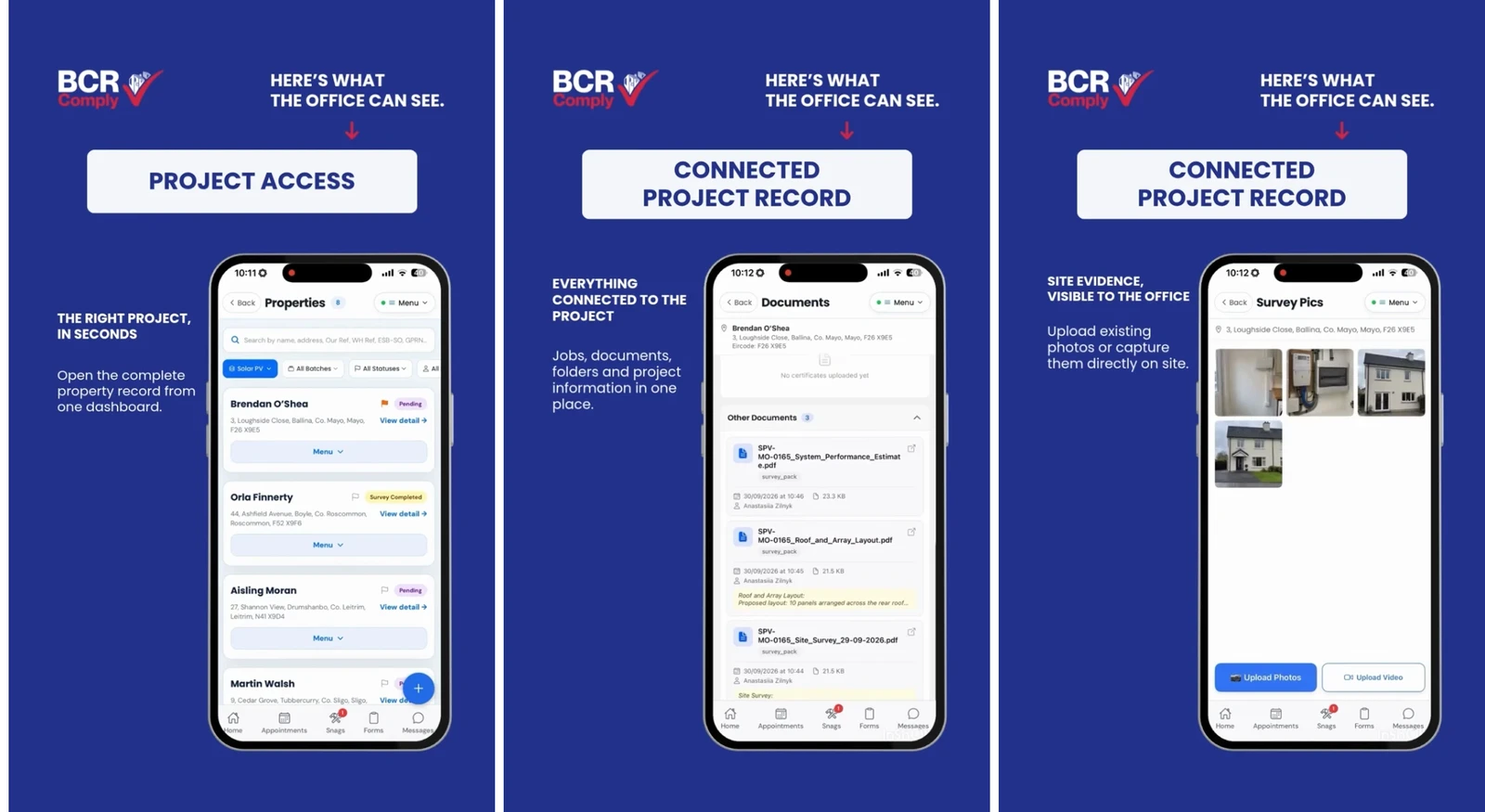
What if your office didn’t have to chase the latest project information? With BCR Comply, project details, appointments, site photos, documents and submitted forms are brought together in one project record—giving the office a clearer view of work as information moves between office and site.
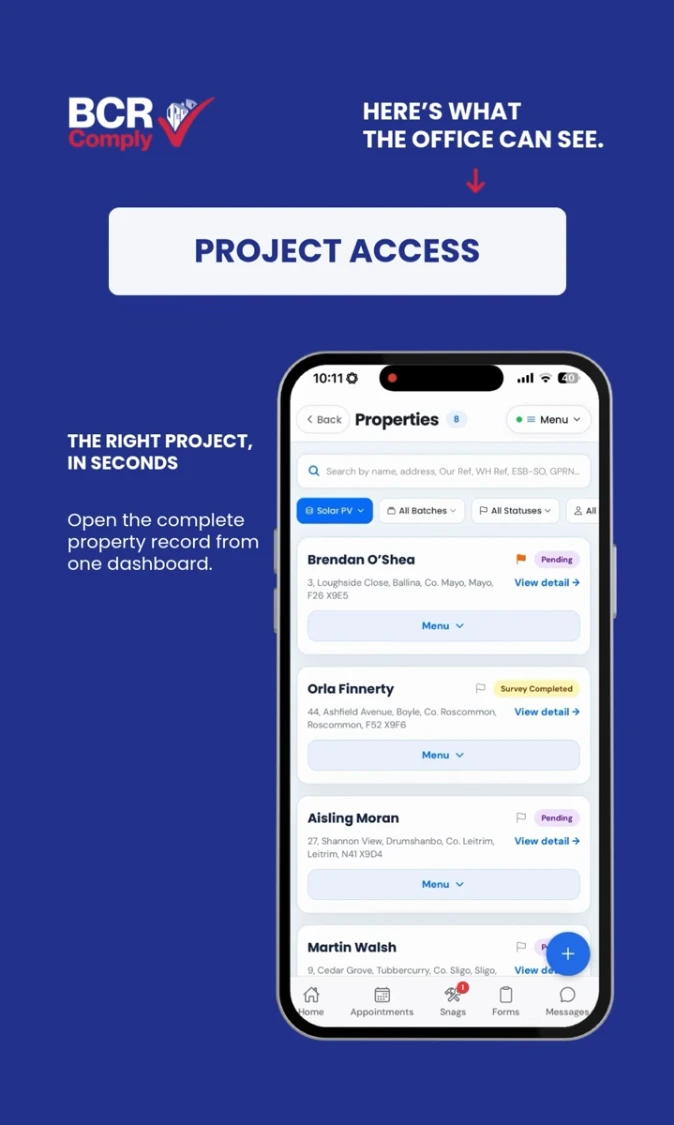
The right project, in seconds
Open the property record from the dashboard to find the information associated with that project. A connected record gives office staff a place to look, rather than piecing together updates from separate messages and files.
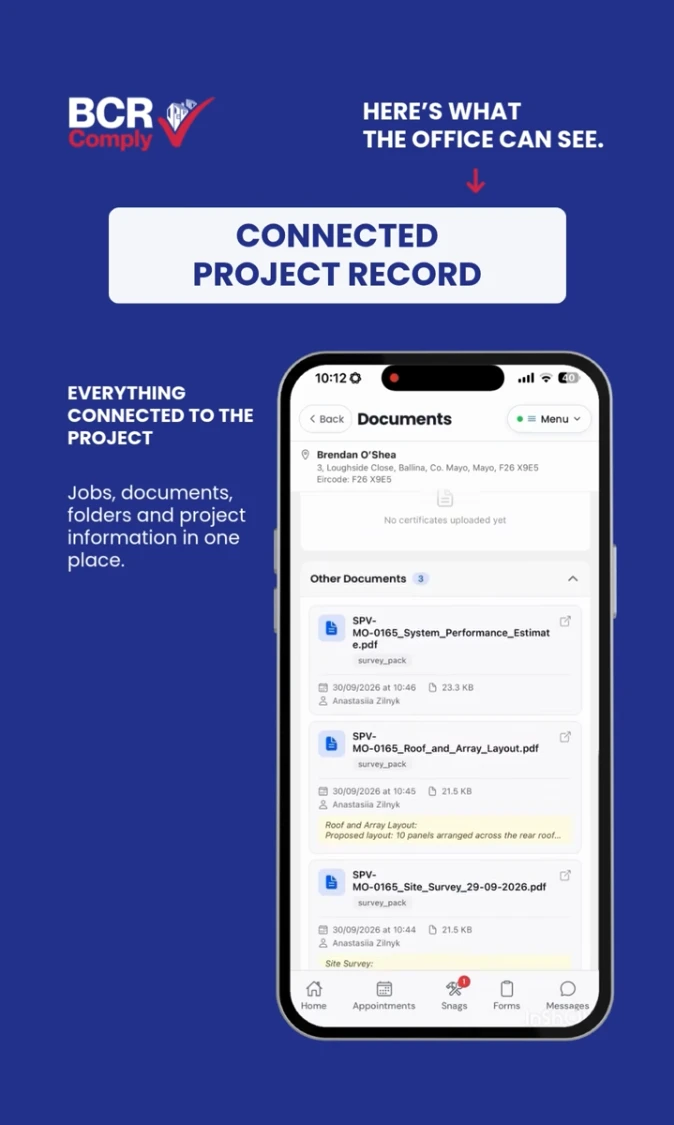
Documents connected to the job
Keep project documents, folders and submitted forms alongside the project details and appointments. When information belongs to the same record, the office can review it in context and understand what it relates to.
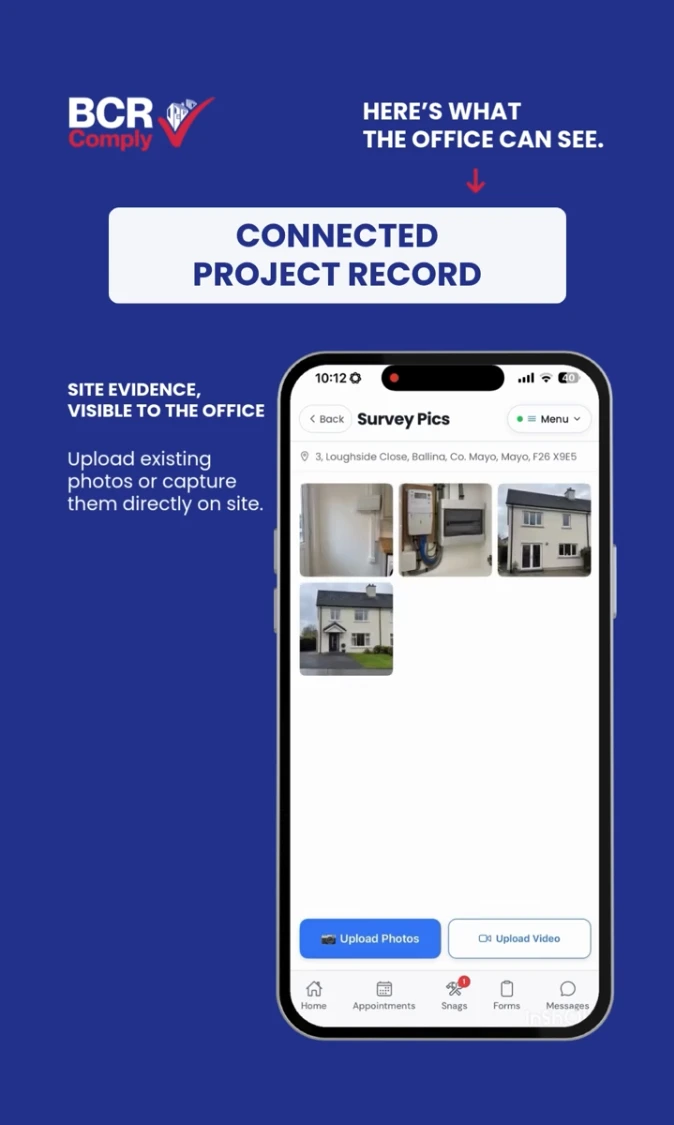
Site evidence, visible to the office
Site photos help the office see the work without being on site. Teams can upload existing photos or capture them on site, keeping that evidence connected to the relevant project.
From office to site—and back again
Watch the walkthrough above to see what the office can access as project information moves between teams. The focus is simple: project details, appointments, photos, documents and submitted forms, together in one place.
Want a clearer view of your solar projects?
Get in touch with BCR Comply to see how a connected project record can support your office and site teams.
See BCR Comply in action
Discover how the first and only all-in-one CRM, project management and QMS platform for retrofit and solar can work for your business.